Accounts and roles
Accounts and roles pageThis section explains how user accounts and permissions work in Janeway, including how roles are assigned and managed. Read the following pages for more information:
New accounts
New accounts sectionThere are two ways to create an account on Janeway:
- A user registers for an account through the journal website.
- An editor, press manager or member of staff can create an account through Journal users.
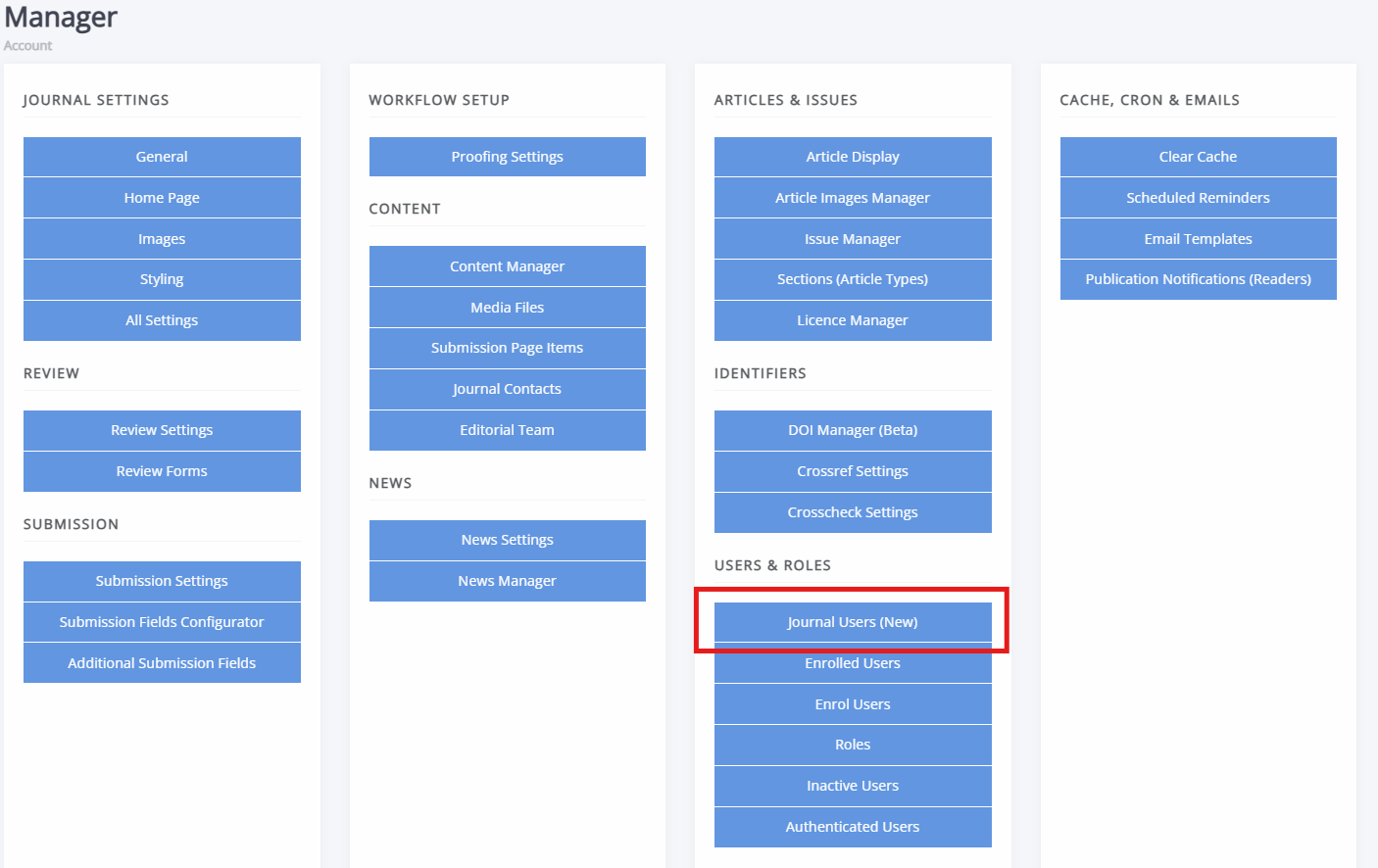
Generally, it is best to let a user register an account using the first option and then assign any roles as needed, see Roles and permissions. If this is not possible, individual user accounts can be created by following these steps:
- Go to the Journal users page on the Manager dashboard.
- Click Add new user
-
Fill in the user's details.
- Make sure the Is active toggle is set to "Yes".
- Except if this user requires staff permissions, make sure the Is staff permission is set to "No".
- You will be required to set a password.
- Click Save.
The user can now either login after requesting a password reset link, through the journal website, or you could send a user their password. The latter is discouraged, as this introduces security risks.
Single sign-on (SSO) login
Single sign-on (SSO) login sectionJaneway supports single sign-on (SSO), allowing users to log in using their institutional credentials. SSO shows up on the login screen as a button reading “Log in with [name of institution]”
When users log in with SSO the first time, Janeway creates a regular account in the background, recording the name and email that it gets from the SSO system.
Users who originally signed in with SSO can switch to regular login after resetting their password from the login screen. Likewise, users who registered a normal Janeway account can start using SSO if their Janeway account email address matches the one they use with their institution.
Tip
If you do not see the SSO login option on your installation of Janeway, then it has not been configured. Contact your system administrator for help configuring SSO.
For information on setting up SSO, see the Janeway developer docs - OIDC specifically, for more information.