Press management
Press management pageComing soon
The Press manager page brings together settings and tools that apply across every journal on your press. It's accessible to users with the staff role, and is where you configure press-wide details, users, and journal-level overrides.
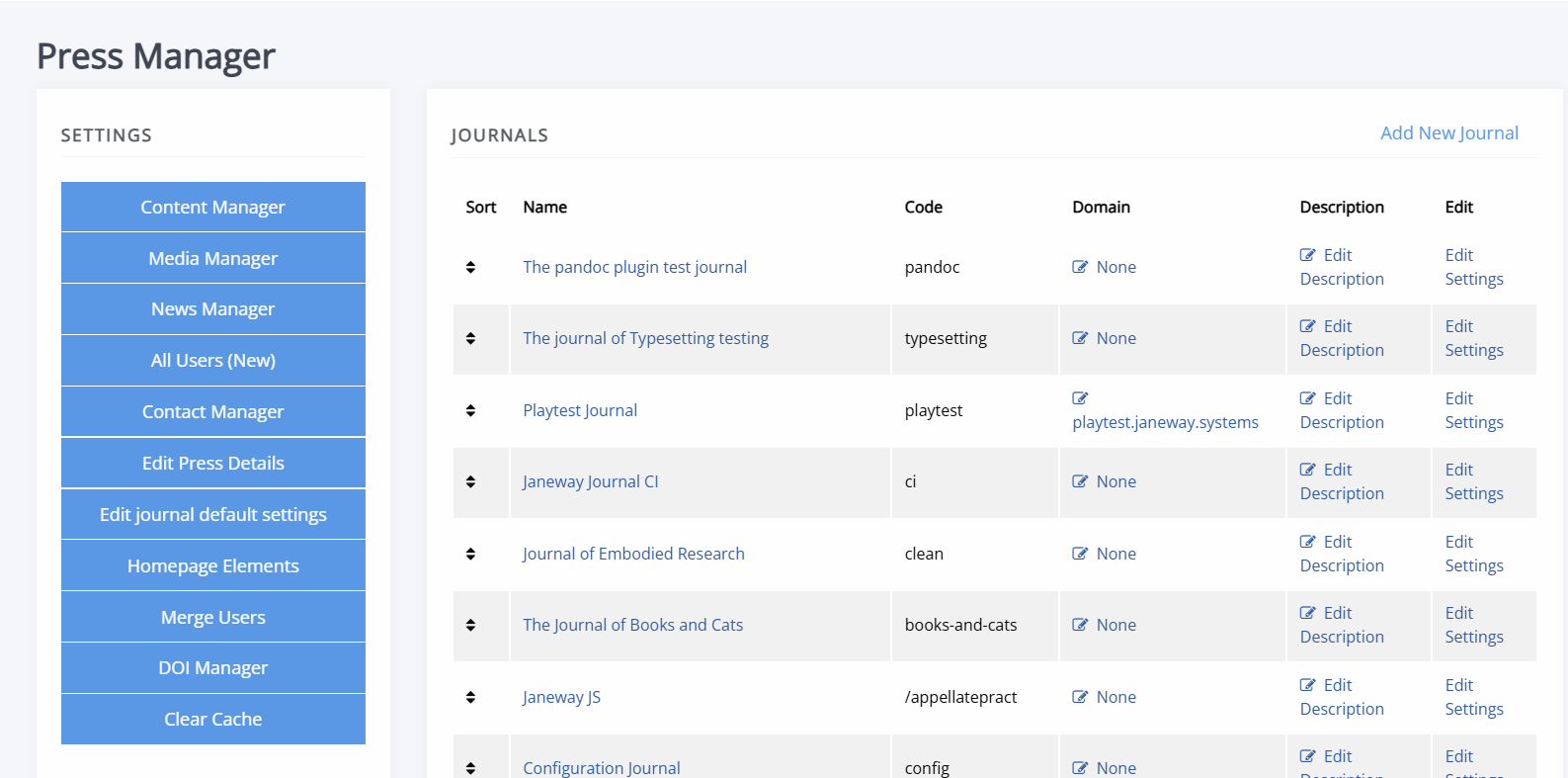
- Journal management at press level
An overview of the Press manager dashboard, including press-wide journal settings and overrides. - Managing users at press level
How to view, filter and manage user roles and permissions across all journals from the All users interface, as well as merging duplicate accounts through the Merge users interface. - Journal footer
Configuring the postal address, contact details and navigation links shown in every journal's footer. - DOI management – press level
Managing Crossref DOI settings and the DOI Manager across journals from the press level.