Review forms
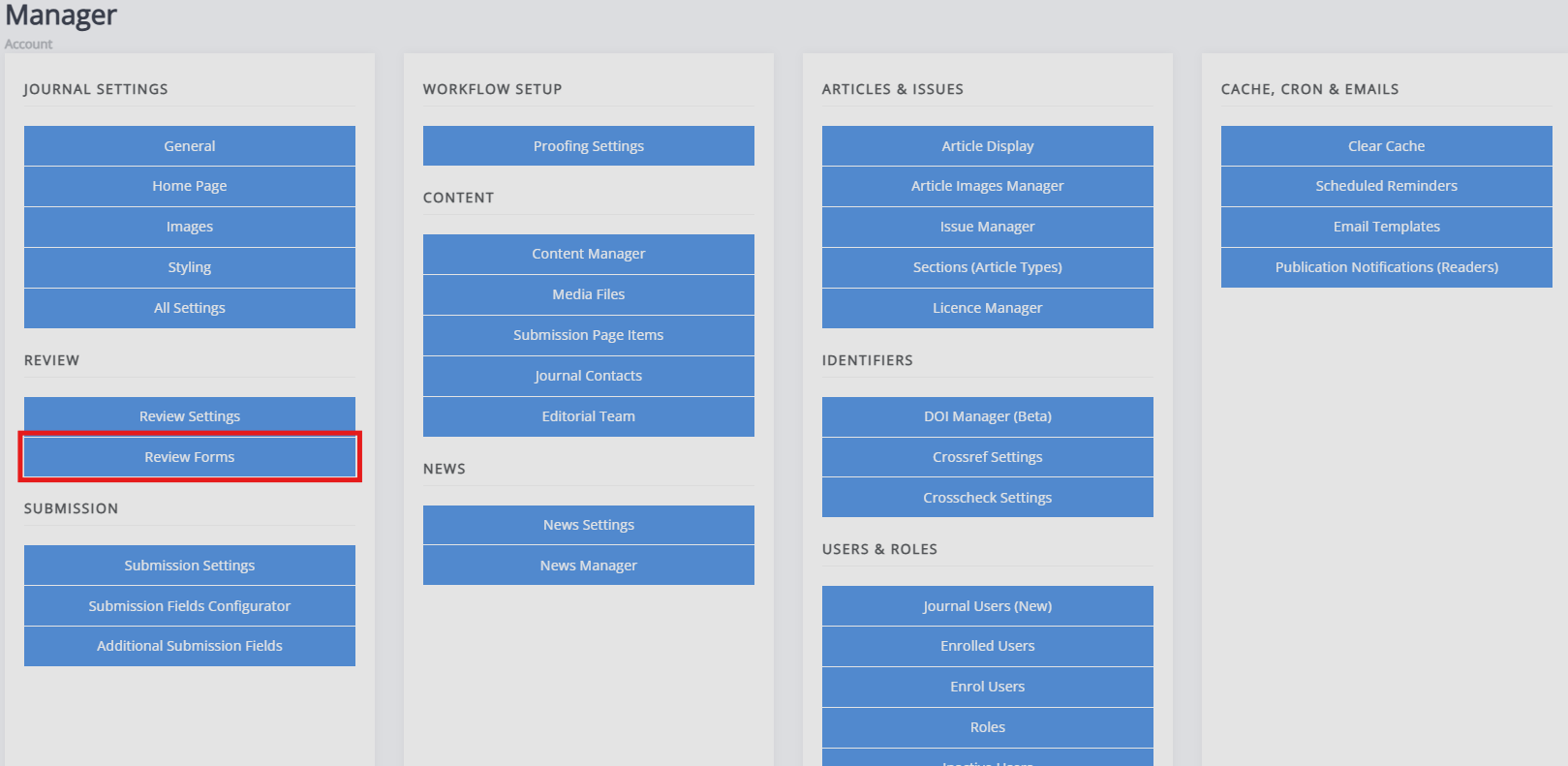
Review forms pageReview forms can be found in the manager dashboard, under Review:
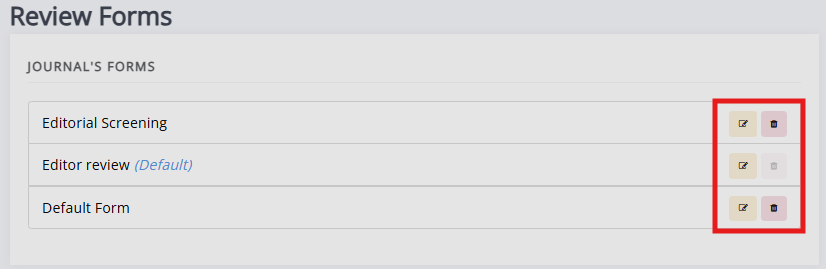
When a new journal is set up, Janeway automatically generates a default review form called 'Default Form'. This form has a single text area called 'Review', which can be deleted or edited.
Deleting review forms
Deleting review forms sectionExisting forms can be deleted clicking Delete. If a form is set as the default review form, it cannot be deleted. Deleting forms will not affect current or past reviews using the form, but it will prevent users from selecting it for future reviews.
Warning
Deleting a review form can't be undone. Only delete forms if you are certain you will not need them again.
New review forms
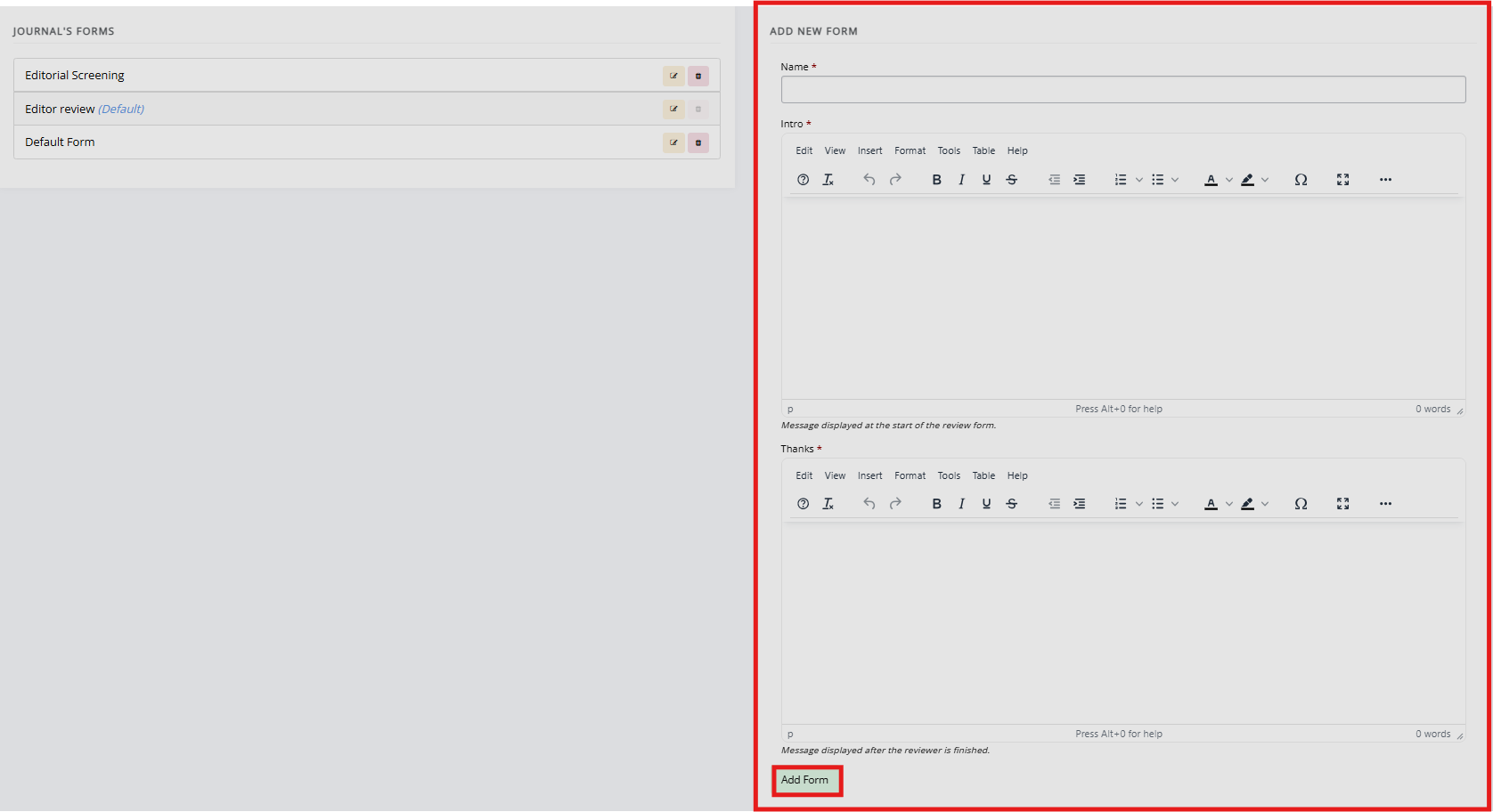
New review forms sectionTo create a new review form, fill in the form on the right-hand side of the review forms page and click Add form.
There is no limit on the number of review forms that can be created, but for practical reasons, it is recommended to regularly read through forms that are not in use and considering whether they are still relevant.
Editing review forms
Editing review forms sectionYou can add review questions to review forms by clicking Edit. You can then add various review form elements by clicking Add element. In addition to this, you can edit the form name, form introduction and thank you message.
Read more about creating custom forms and form elements here.
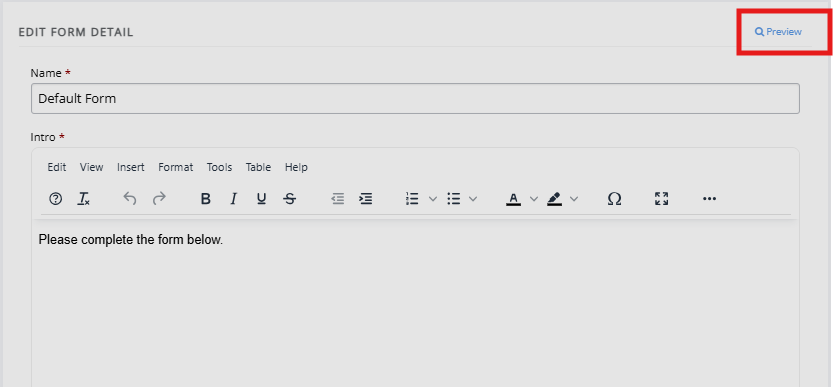
Preview review forms
Preview review forms sectionThe review form can be previewed using the Preview button, this can be done at any point when working on a review form.