Scheduling reminders
Scheduling reminders pageJaneway allows you to schedule automated email reminders for review and revision assignments. These reminders help prompt reviewers and authors when deadlines are approaching or have passed.
Reminders are configured at the journal level and are sent automatically based on the due dates set by editors.
Reminder types
Reminder types sectionJaneway supports three types of reminder emails:
-
Review (invited)
Sent when a reviewer has been invited but has not yet accepted the review request. -
Review (accepted)
Sent when a reviewer has accepted a review request but has not yet submitted their review. -
Revision
Sent to authors who have an active revision request.
Review reminders are sent based on the review assignment due date set by the editor. Revision reminders are sent based on the revision due date set by the editor.
For all reminder types, you can choose to send reminders before or after the due date.
Multiple reminders can be created for the same task (for example, one before and one after the due date).
Configuring a reminder
Configuring a reminder sectionEach reminder is defined using the following settings:
-
Type
The reminder category: "Review (invited)", "Review (accepted)", or "Revision". -
Run type
Whether the reminder is sent before or after the assignment due date. -
Days
The number of days before or after the due date that the reminder is sent. -
Template name
The email template used for the reminder.
If the selected template does not exist, you will be prompted to create it. -
Subject
The subject line of the reminder email.
Reminder email templates
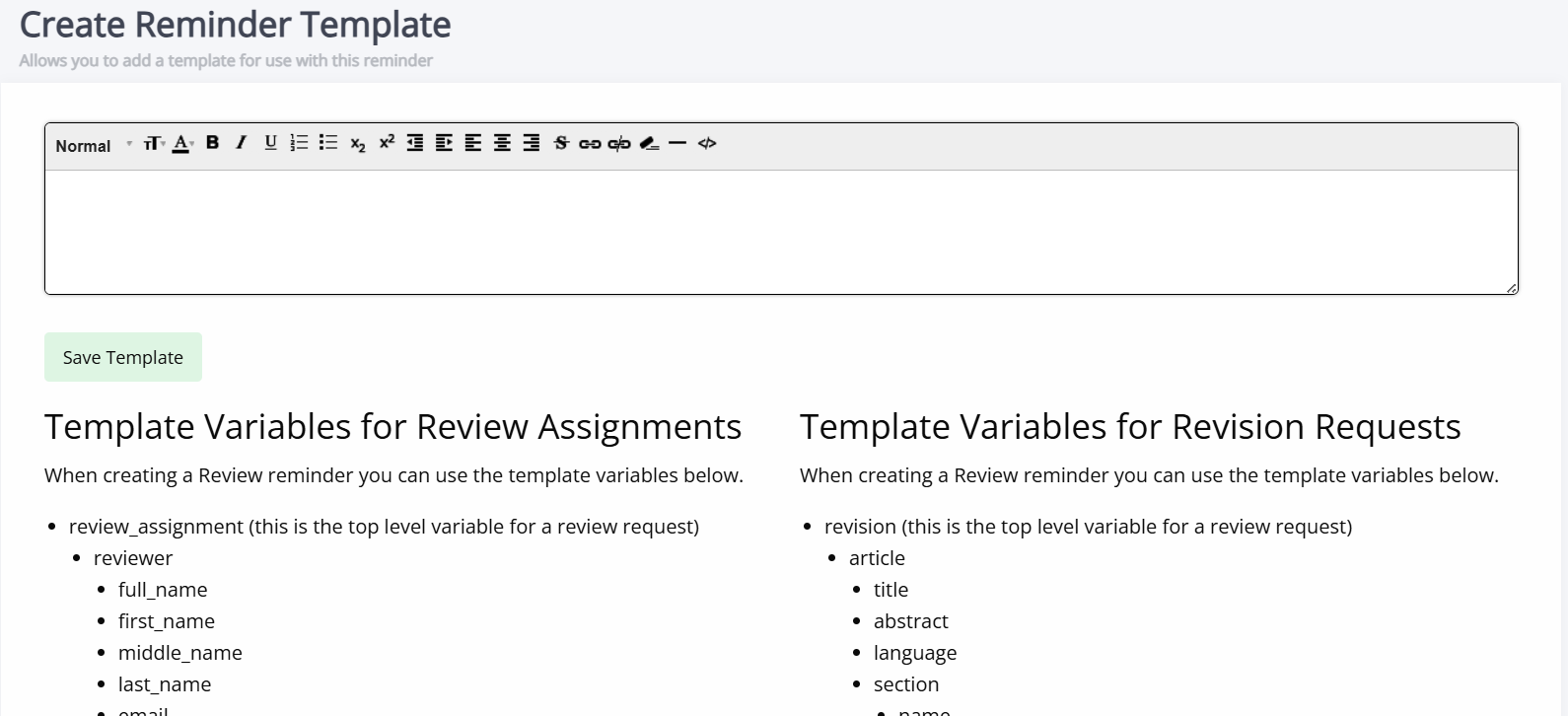
Reminder email templates sectionReminder emails use standard email templates and have access to specific objects, depending on the reminder type:
-
Review_assignment or revision (depending on which type of reminder)
-
Journal
The journal sending the reminder. -
Article
The appropriate article.
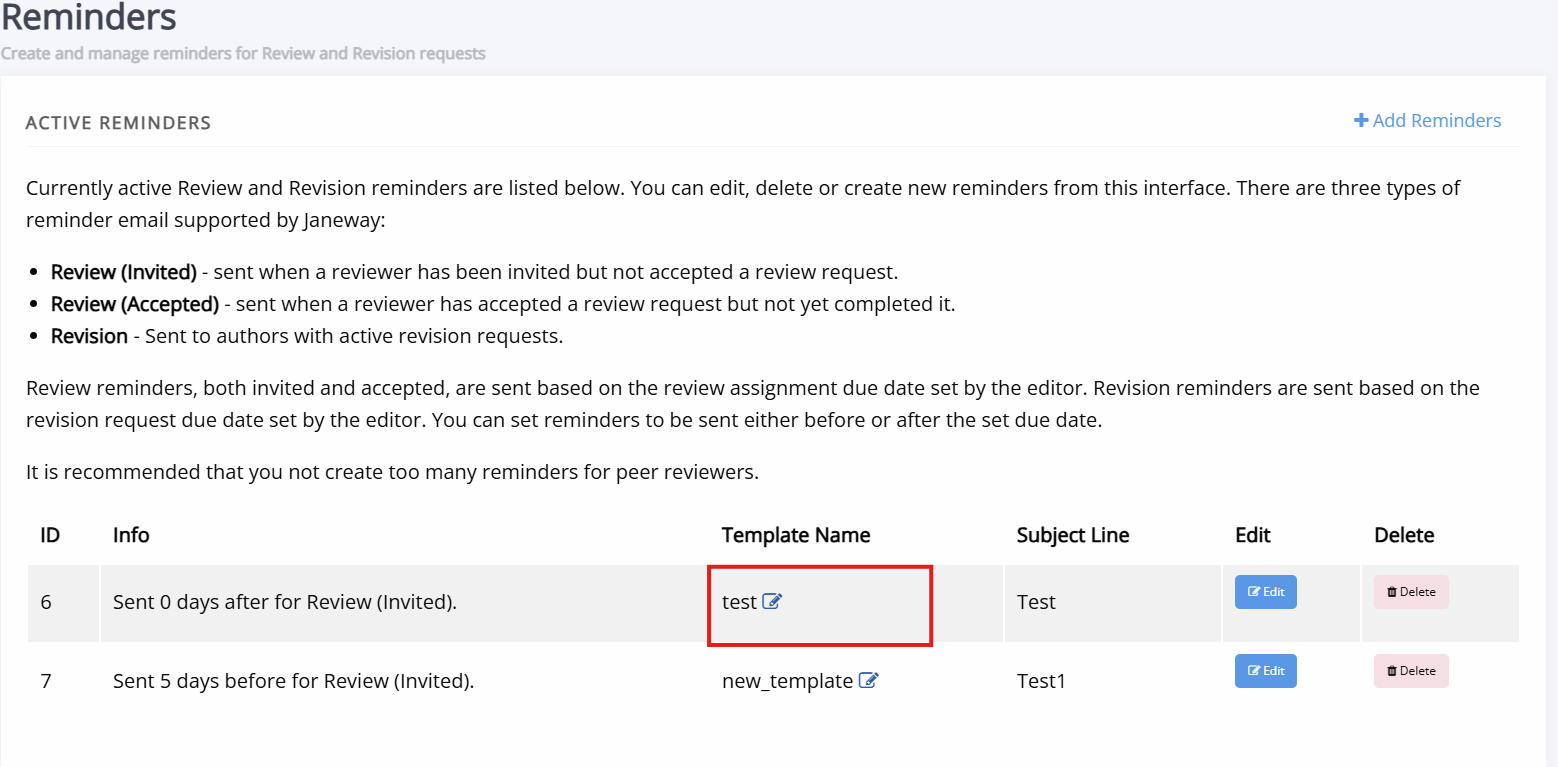
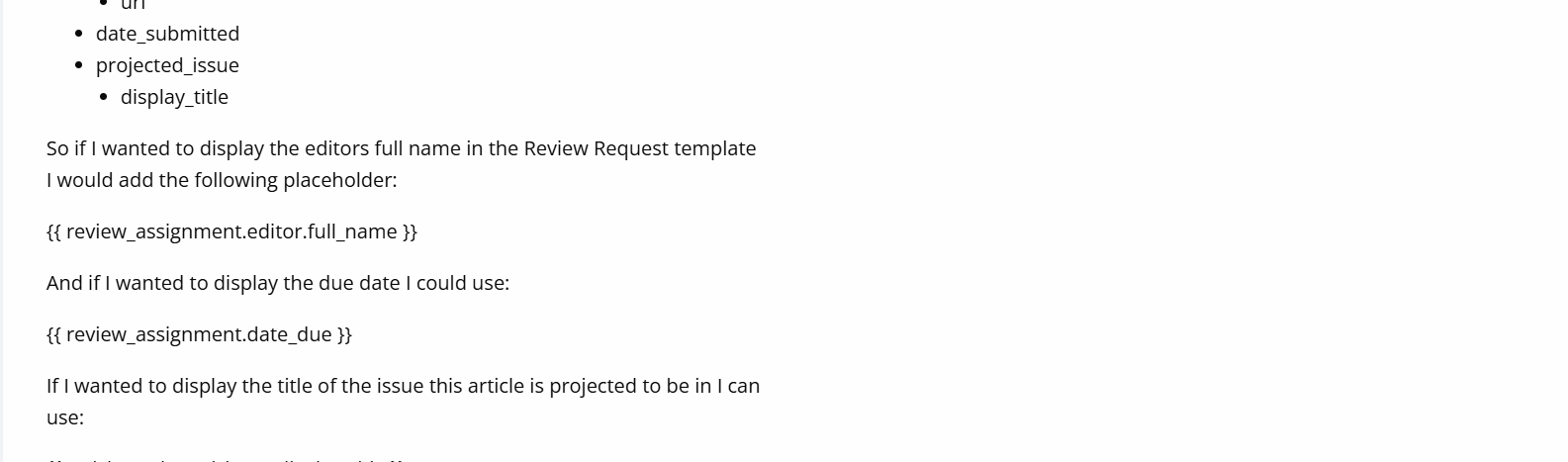
The Create reminder template page (accessed by clicking the Edit button under Template name on the Reminders page) includes guidance and examples showing some of the variables available for use in reminder emails. This information and additional detail can also be found in Email templates and Email template variables
How reminders are sent
How reminders are sent sectionOnce a reminder has been created, it is processed automatically by a scheduled background task (sometimes called a 'cron job' ) on the server.
This task checks for review and revision assignments that match the reminder criteria and sends emails when appropriate.
Important
Reminders are not sent if the reminder date has already passed. This means it is possible to accidentally create a reminder that never sends. To avoid this, set reminders for tomorrow or later.
Tip
If automated reminders are not being sent, the most likely cause is that the scheduled background task (cron job) has not been set up correctly. You should contact your administrator, who can set up the call to the send_reminders management command.