Email templates
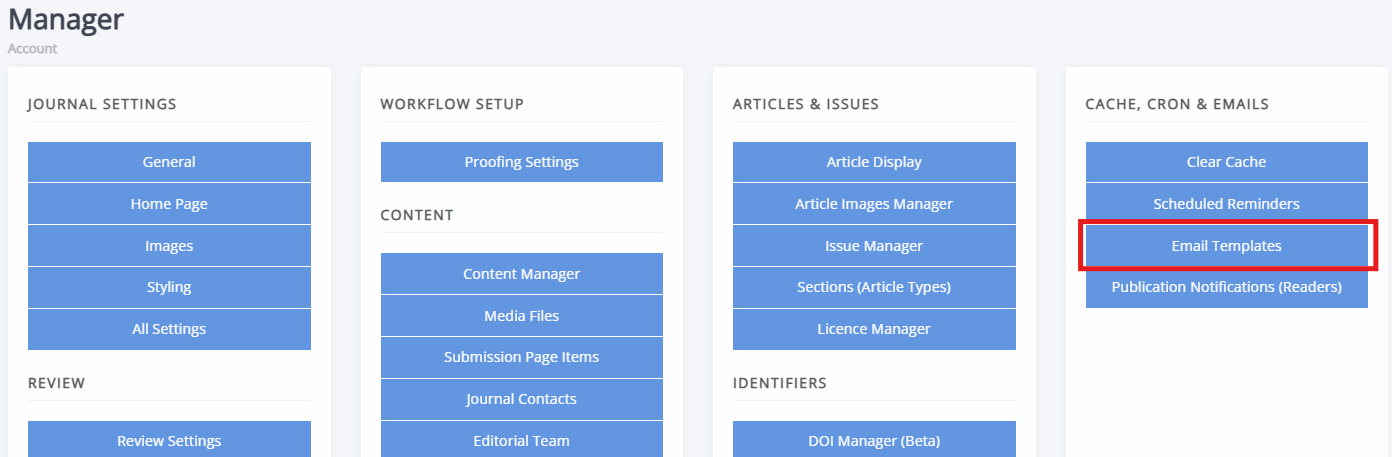
Email templates pageThe email templates system allows you to view, search and edit the email templates used by a journal. These templates control the content of both automated and manually sent emails (for example, review invitations, reminders and decision emails). A journal's email templates can be found on the Email templates page on the Manager dashboard.
Each email template has access to a specific set of objects (such as an article, review assignment or journal). Because this varies by template, there is no documentation for every possible option. However, more information can be found on the Email variables page and template examples are available as well. If you are uncertain about how to update an email template or uncomfortable, you can reach out to your system administrator or Janeway support.
Editing templates
Editing templates sectionWarning
Editing an email template can cause emails to display incorrectly if placeholders are changed or removed.
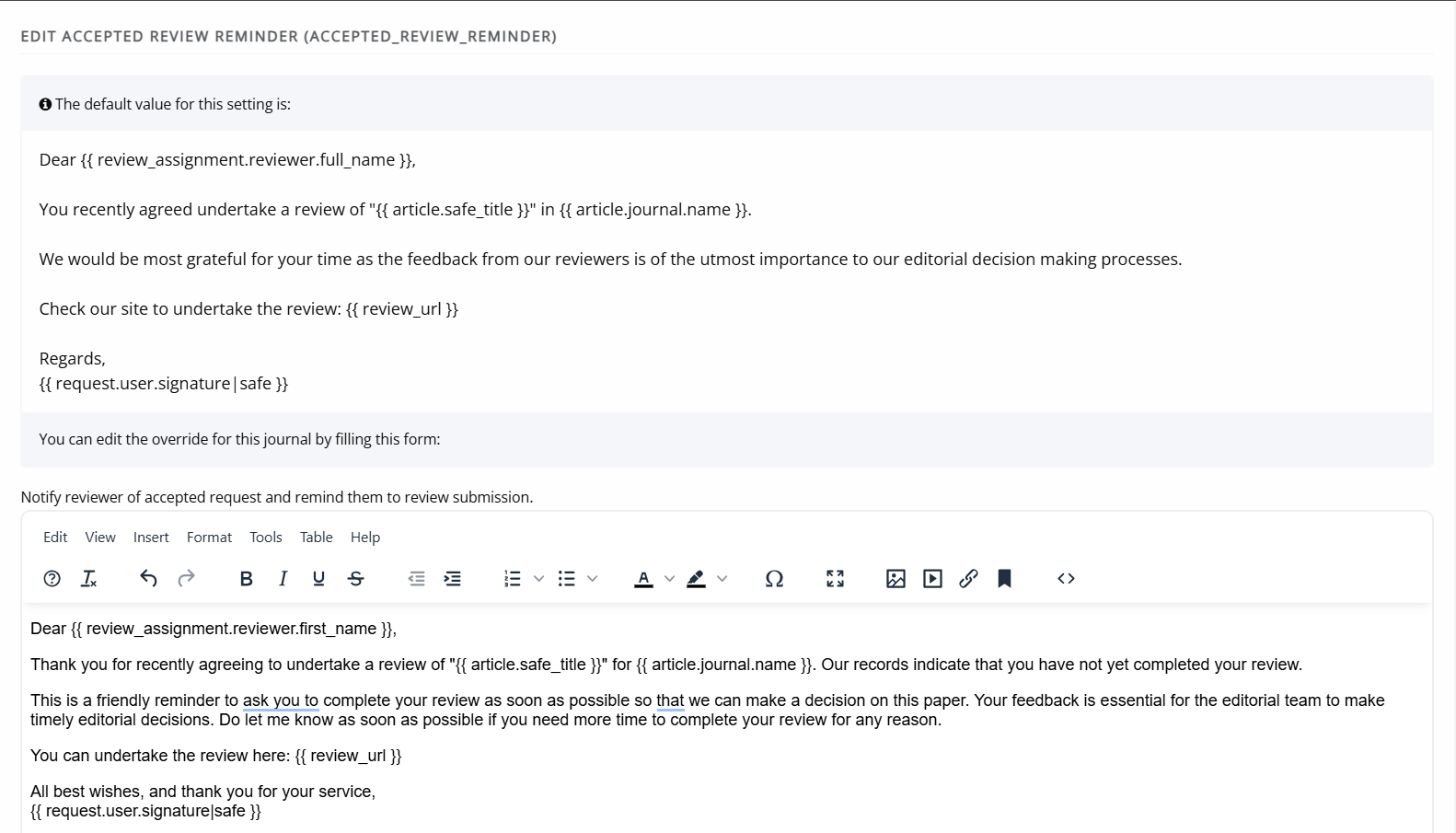
When editing an email template, you will see:
-
The default version of the email at the top of the page.
-
A rich-text editor below, where you can create a customised version for your journal.
If your journal has not previously customised a template, the rich-text editor will appear blank.
To get started, copy the default version into the rich-text box and edit it.
Warning
When editing an email that includes a URL placeholder (for example {{ review_url }}), do not add text immediately after the placeholder. Email clients may treat added characters as part of the link, which will break it.