News manager
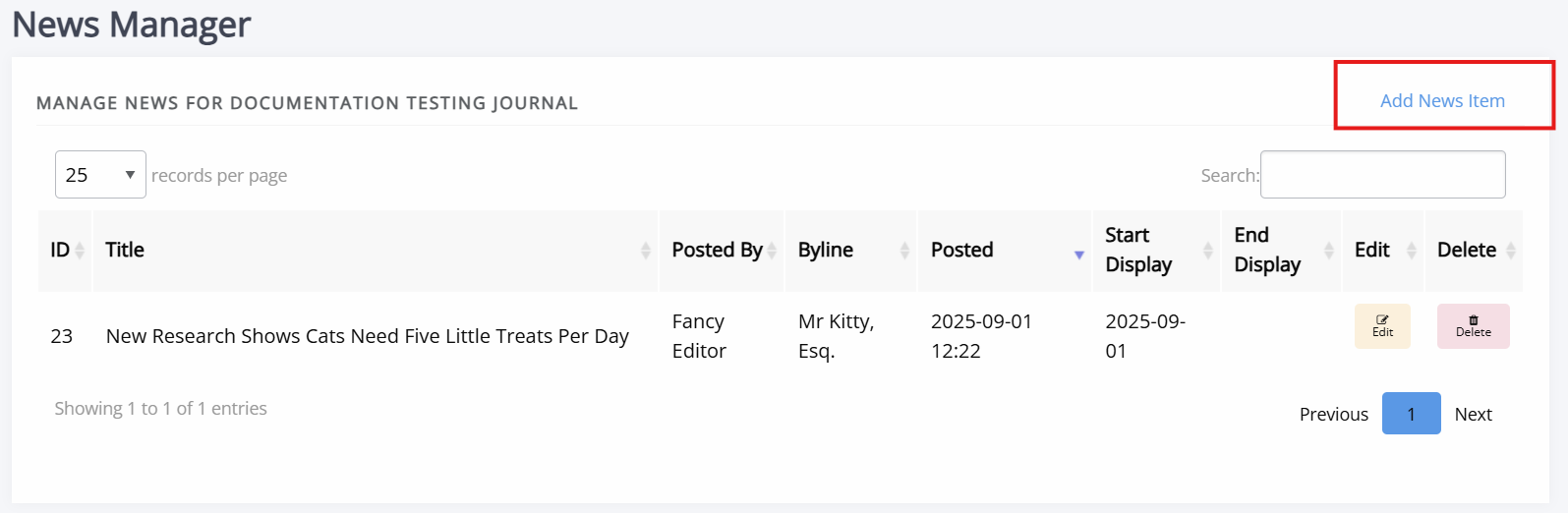
News manager pageThe news manager allows you to create news items, assign them start- and end dates, and upload images to display alongside them.
News items can also displayed in the carousel.
To add a new news item, click Add news item.
The form fields include:
-
Title
The title of the news item. -
Body
The HTML body of the news item. -
Start display
The date to start displaying this news item. -
End display
The date to stop displaying this news item (can be left blank to display indefinitely). -
Sequence
Use for sorting when news items are posted on the same day. -
Image file
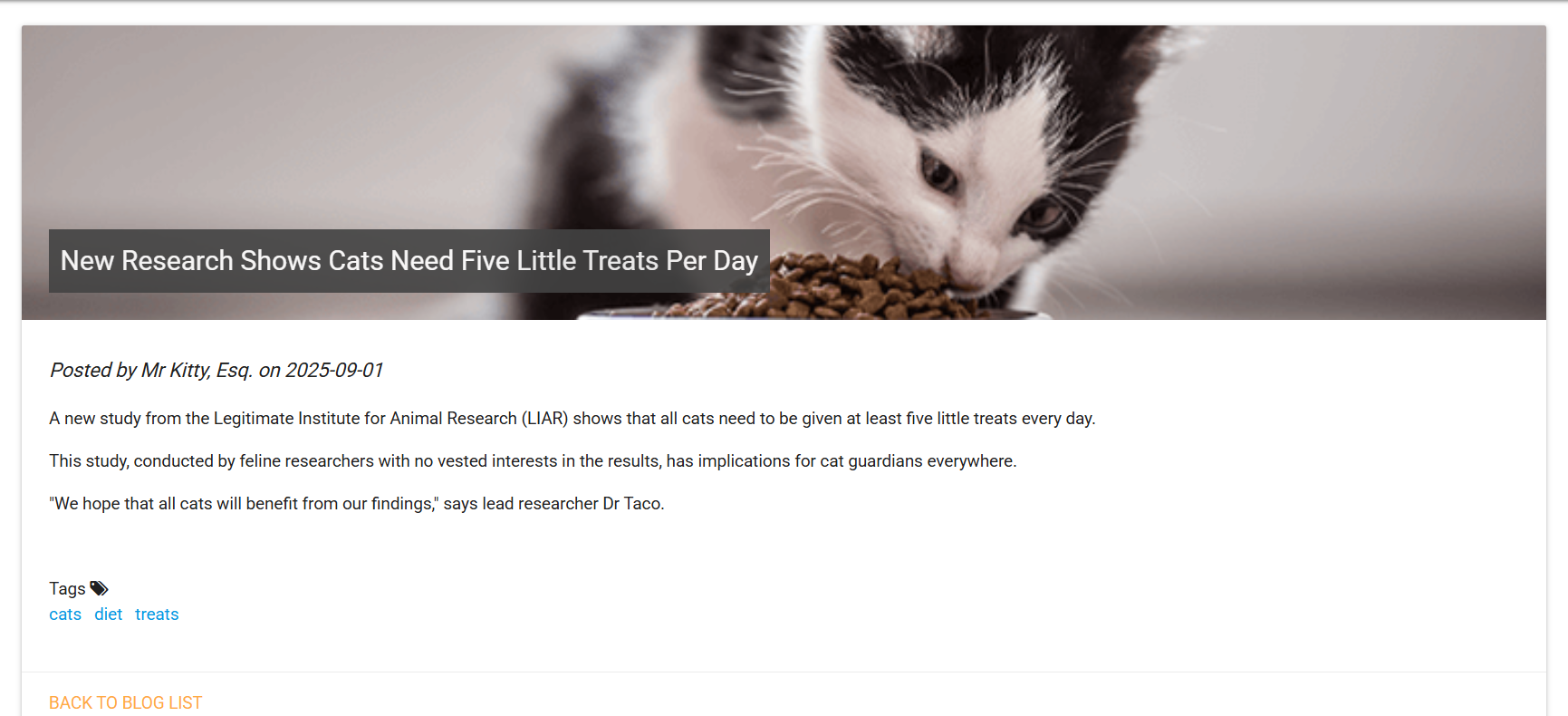
An image file to fit the news piece; this will display at the top as a banner image. -
Custom byline
Lets you overwrite the name displayed as the author of the news item. -
Tags
A series of tags/keywords for the piece, you can filter news items by tags. These tags are case-sensitive.