Journal contacts
Journal contacts pageYou can control the contacts listing for your journal by adding and removing contacts through this interface. Only three fields are used for this:
-
Name
The contact's name. -
Email
The email address that should be contacted. -
Role
The contact's role, e.g. editor or reviewer.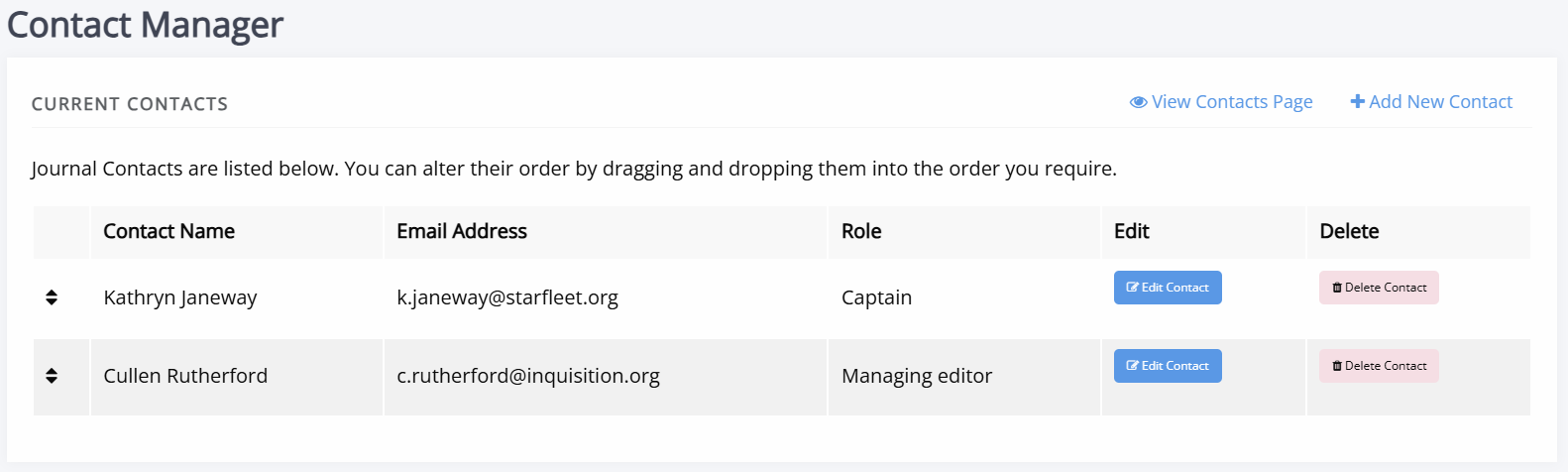
Any contacts added will be contactable through a webform, but no email address will be displayed. Each incoming message sent through the contact form is recorded in the database and can be viewed in the admin area by staff.
Contacts will also be listed on the contacts page, displaying a name and role. Any information added to the contacts field in general settings (such as a physical address) will also be added in this column.