Editor guide to draft decisions
Editor guide to draft decisions pageDraft decisions are an optional element of the review workflow. It allows section editors to submit a draft of their editorial decision for approval by an editor. When enabled, a section editor will only see the draft decision feature on the Decision helper page.
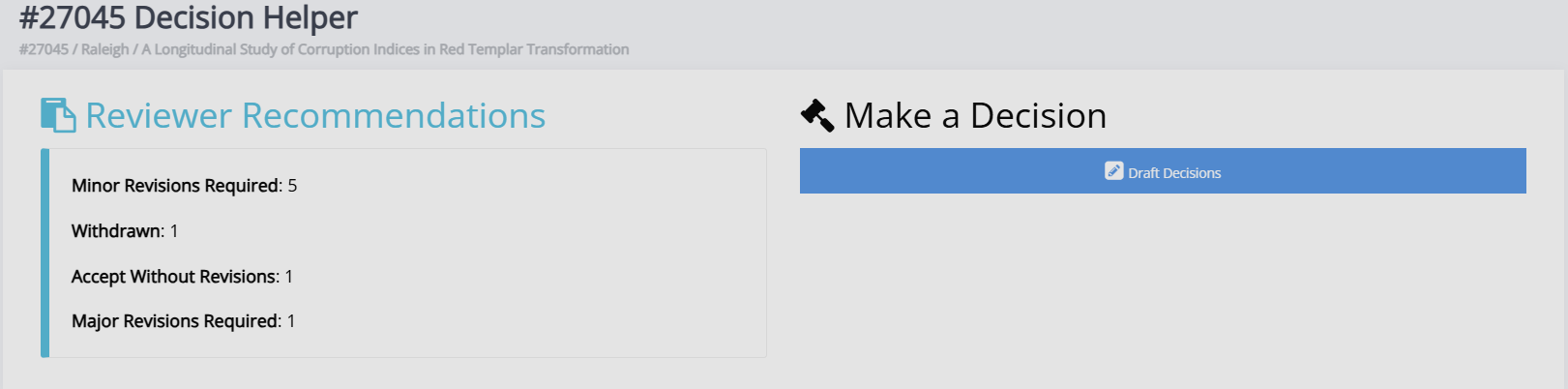
The options for draft decision types are the same as those in the standard decision workflow:
-
Accept
The article is moved into copyediting. -
Minor revisions
The section editor can provide the author with guidance on implementing the feedback from the peer reviewers. -
Major revisions
The section editor can provide the author with guidance on implementing the feedback from the peer reviewers. If an article requires major revisions, another round of peer review must be undertaken once the revisions are complete. -
Conditional accept
This option allows the section editor to request revisions from the author. -
Decline
The article will be archived, and the author will be notified.
Draft decision workflows
Draft decision workflows sectionFor section editors, the workflow will look like this:
-
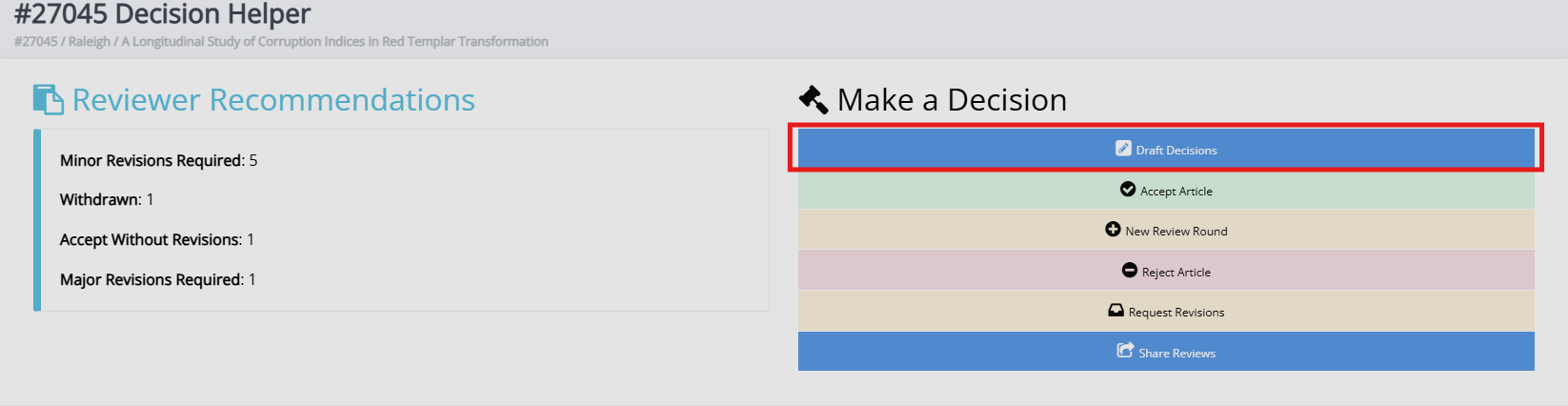
Go to the Decision helper page
-
Select the draft decision.
-
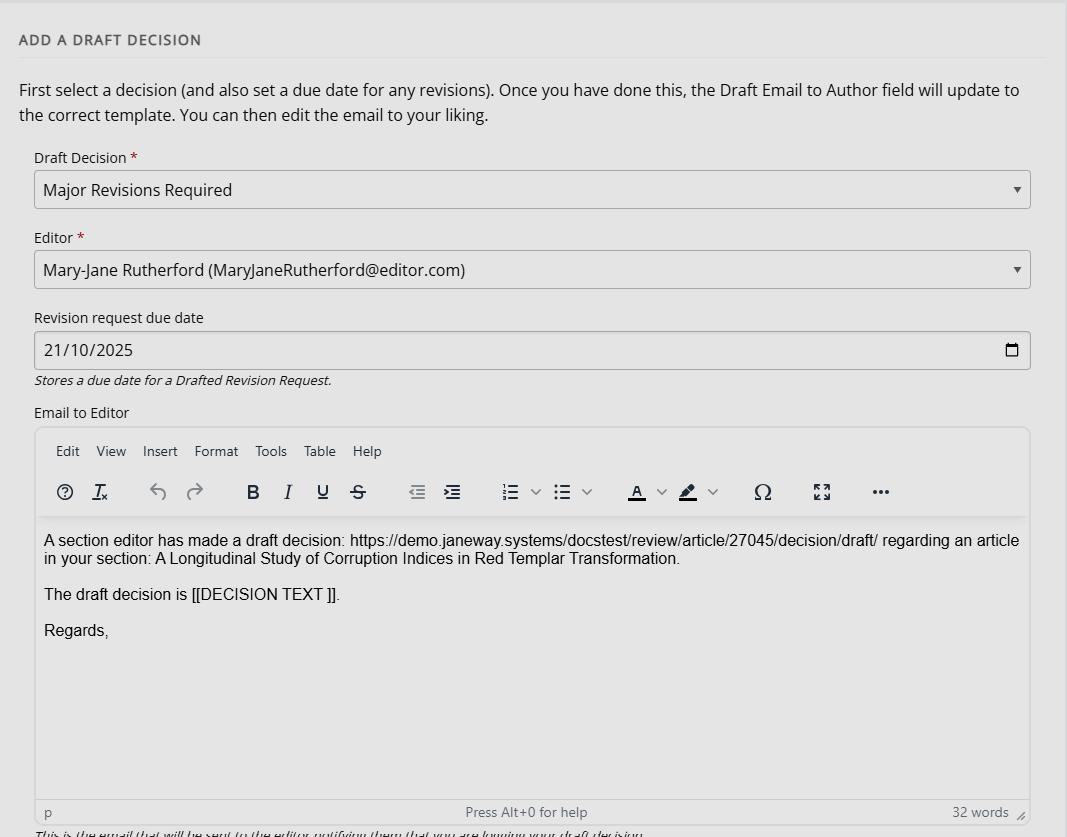
Complete the form, following the onscreen instructions and fill in the following details:
- Decision type
- Editor
- If required: revision request due date
- Email to the editor
- Draft email to author
For editors, this process will look like the following:
-
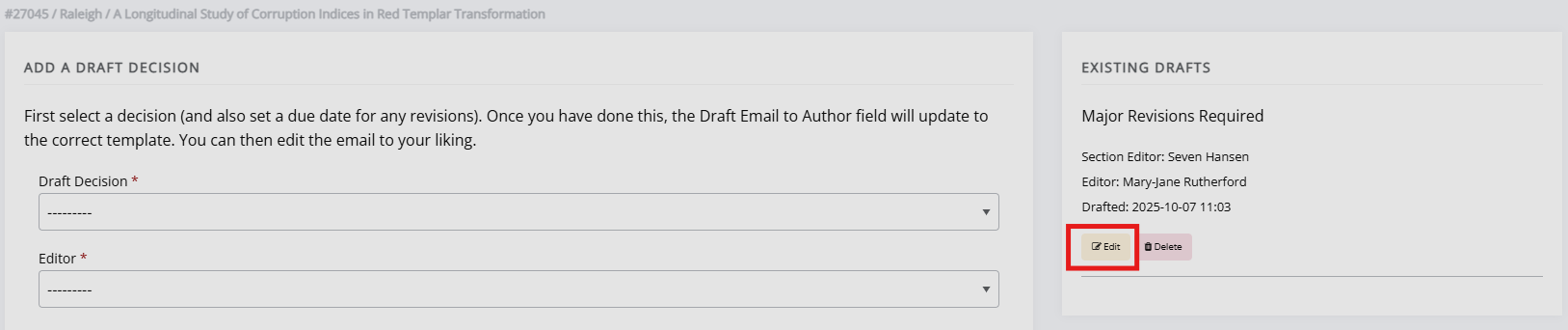
Access the draft decision through the link in the notification email or in the Decision helper > Draft decisions. The draft decisions will be listed under Existing drafts.
-
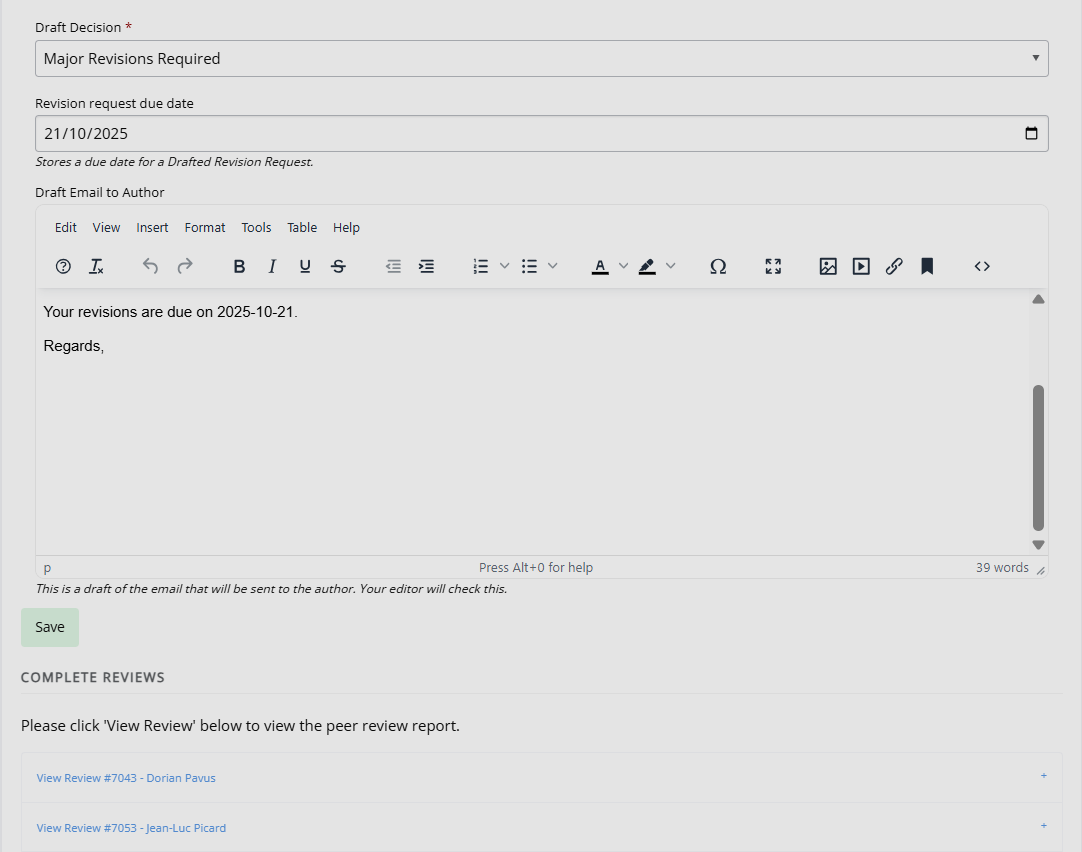
Review the draft decision and email by clicking Edit.
-
If required, you can edit the decision type, due date and email to the author. You can also view any completed peer reviews on this screen.
-
Accept or decline the draft. If accepted, the decision made by the section editor(s) will be actioned.
Note
Do not start filling in the Add a draft decision form – the section editor will already have drafted an email to the author in Existing draft decisions.