Article sections
Article sections pageSections (article types) are ways of grouping articles by their content type, e.g. "Research articles" or "Reviews". You can create custom sections through the `Sections page on the Manager dashboard and configure their settings.
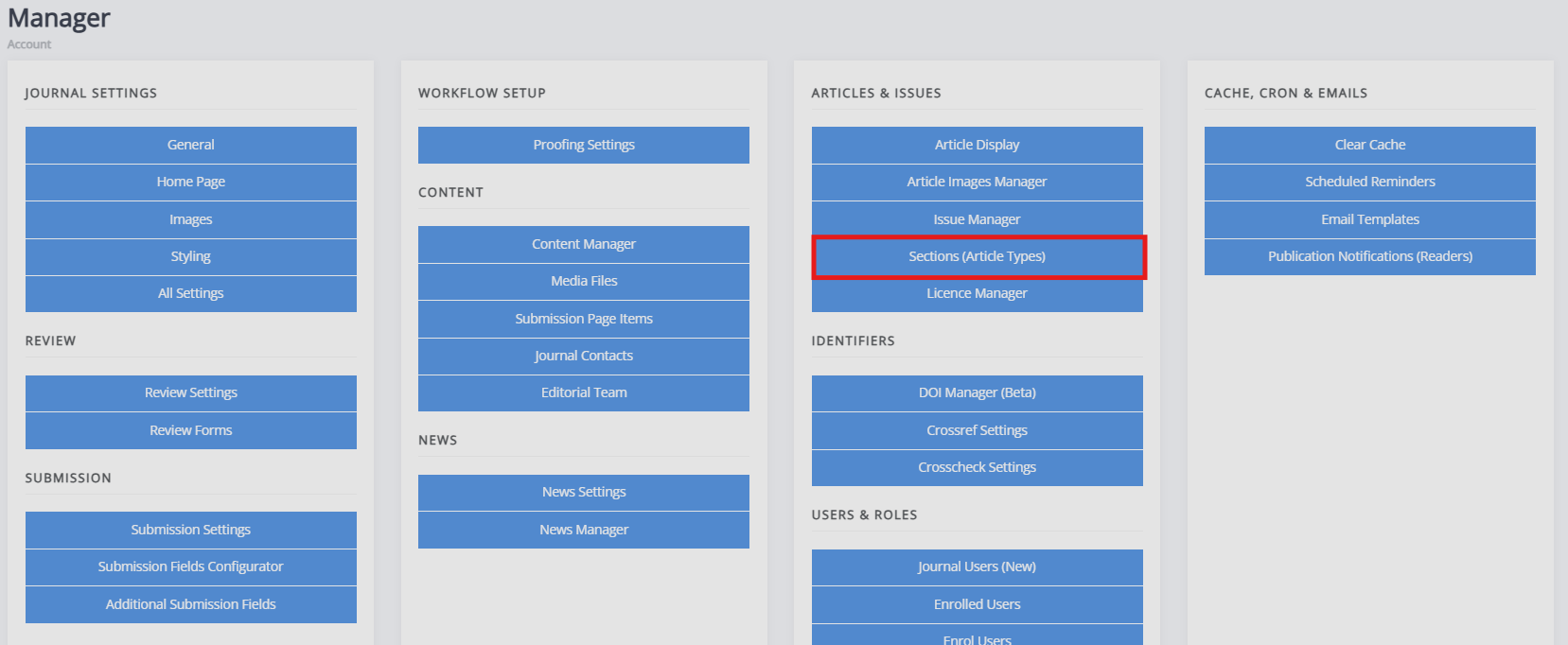
Managing sections
Managing sections sectionOn this page, you can edit the sections available on your journal.
For each section, you can provide the following information and settings:
-
Name
-
Plural This determines the pluralised name for the section, e.g. 'article' and 'articles'.
-
Number of reviewers This determines the number of reviewers generally required for this article type. It can be set to 0 for editorials and other non-peer reviewed content.
-
Is filterable This determines whether this section appears as a filter option on the All articles list.
-
Sequence
This determines the order sections appear in. This can be edited using this field or by dragging and dropping the sections in order. -
Section editors
This determines which section editors will be notified when new papers are submitted to this section. -
Editors
This determines which editors will be notified when new papers are submitted to this section. -
JATS default article type Only relevant if using JATS-XML: This determines the default JATS article type for articles in this section. This can be overridden on a per-article basis.
-
Public submissions
This determines whether articles can be submitted to this section. Check the box to open the section to new submissions. -
Indexing
This determines whether this section is publicly discoverable and put forward for indexing. Check the box to enable indexing. -
Auto-assign editors
This determines whether articles submitted to this section will be automatically assigned to the notified (section) editors (as determined in the preceding Section editors and Editors settings). Tick this box to enable auto-assignment.
Sections can always be edited, but they cannot be deleted when articles have been assigned to this section. If you wish to remove a section that already has articles assigned to it, first migrate all of the articles using this section to a different section. Once this has been done, the Delete button will become available.
If you are only using one article type, the field in which authors select a section during submission can be disabled using the Submission configurator.