Google analytics
Google analytics pageYou can implement Google Analytics code to measure activity on your pages, if you wish.
The settings for this can be found in All settings through the Manager dashboard.

Alternatively, you can search for it through All settings.
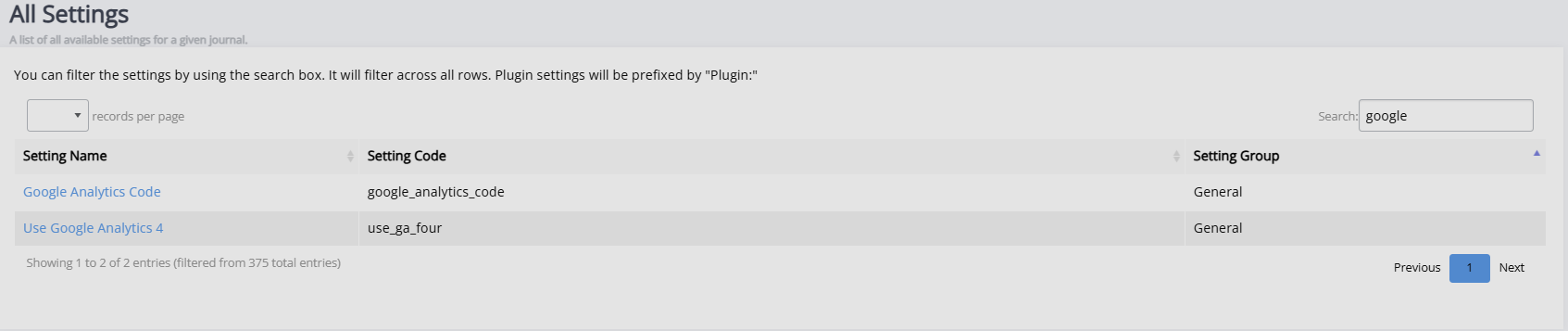
Google Analytics can be done by adding the Google Analytics code (provided by Google) in the Google Analytics code field and ticking the Use Google Analytics 4 box, if using Google Analytics 4.
For more information, consult the Google Analytics documentation.
For support with issues, contact your system administrator.