Displaying custom accessibility information
Displaying custom accessibility information pageIntroduction
Introduction sectionJaneway 1.9 introduced an Accessibility page linked from the footer. By default, this only shows the platform accessibility information, however, there are settings to include custom press and/or journal specific information. Journal information can only be displayed if the setting Allow journal accessibility information is switched on at press level. It is off by default.
Enter press accessibility information
Enter press accessibility information sectionPress accessibility information may be entered in through the Press manager under Edit press details. There is a section for Accessibility, within which there is a rich-text area for Press accessibility information.
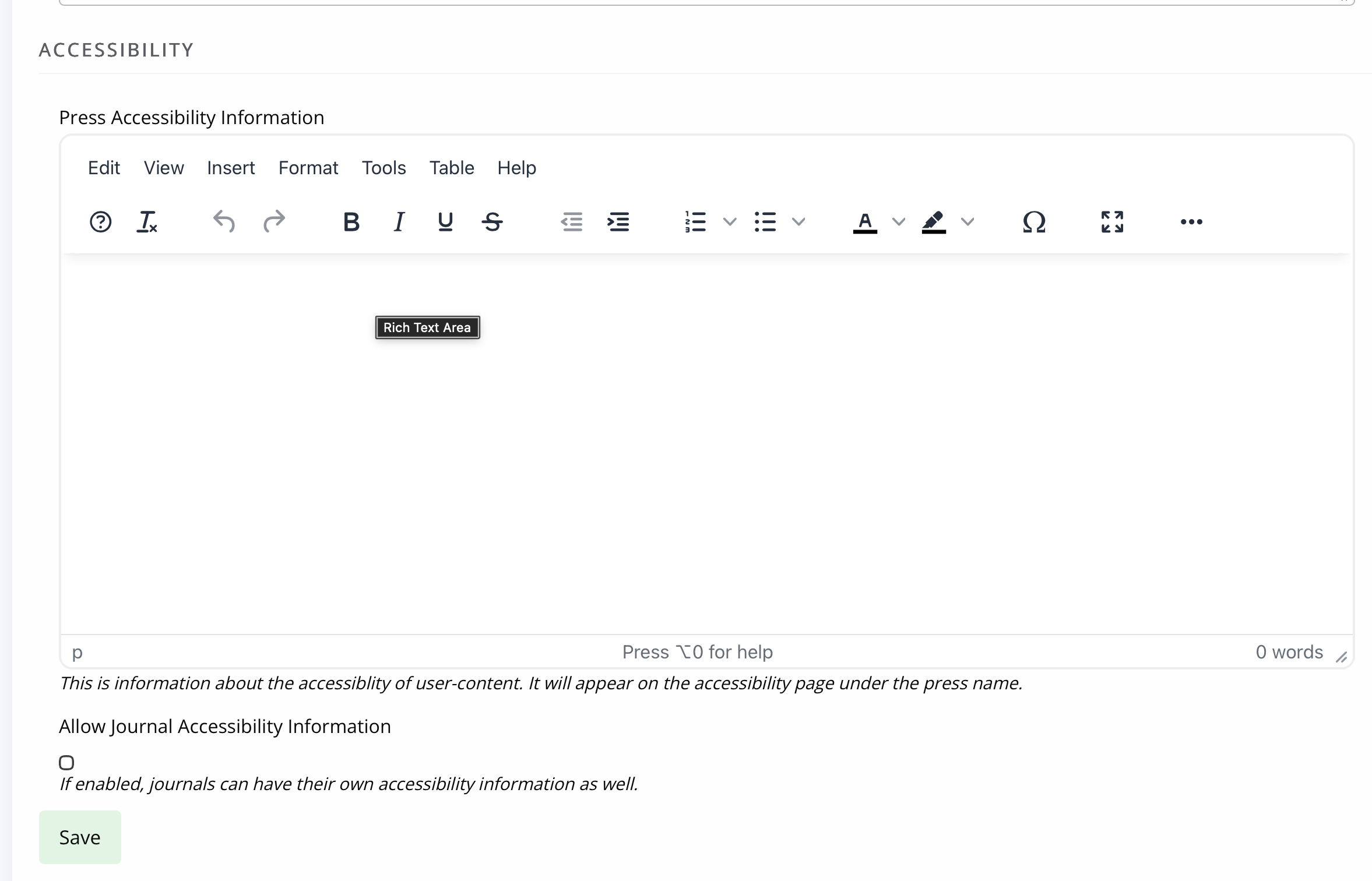
Press setting to enable journal accessibility information
Press setting to enable journal accessibility information sectionAfter the press accessibility information, there is a setting to Allow journal accessibility information. This allows each journal to have a unique accessibility statement.

Note
This setting applies to all journals within that press. It provides the option to enter text onto the journal accessibility page, and will be hidden from readers when it is left blank.
Enter journal accessibility text
Enter journal accessibility text sectionWarning
The setting at press level must be switched on to make this available in the journal manager. If this section does not appear within your journal, then contact your press manager.
Journal accessibility information may be entered through the Journal manager, through the General/Journal settings page.
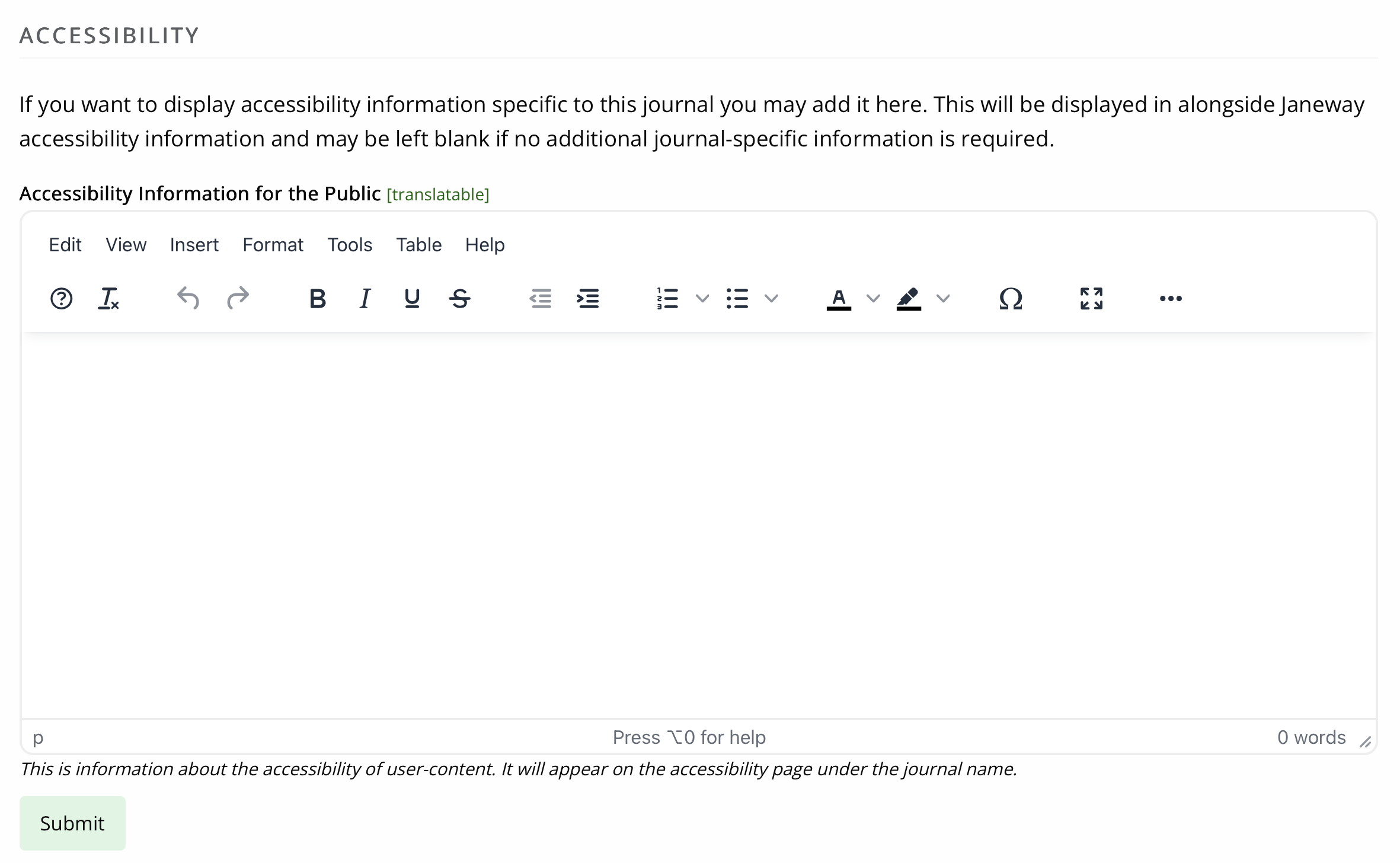
Tabular summary
Tabular summary sectionThis table summarises the information already provided within this document.
| Custom press text | Press setting to allow journal text | Custom journal text | What is displayed |
|---|---|---|---|
| none | no | not available | Platform |
| none | yes | none | Platform |
| none | yes | Journal text | Journal text + Platform |
| Press text | no | not available | Press text + Platform |
| Press text | yes | none | Press text + Platform |
| Press text | yes | Journal text | Journal text + Press text + Platform |